Help centre › Doing more
Prices and comparing products
Watch a price over time and compare products side by side.
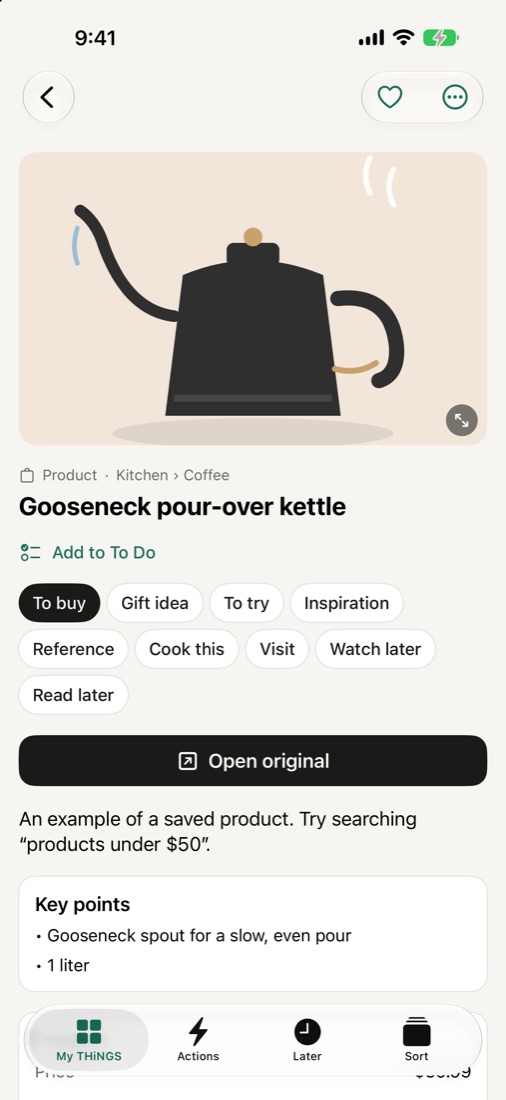
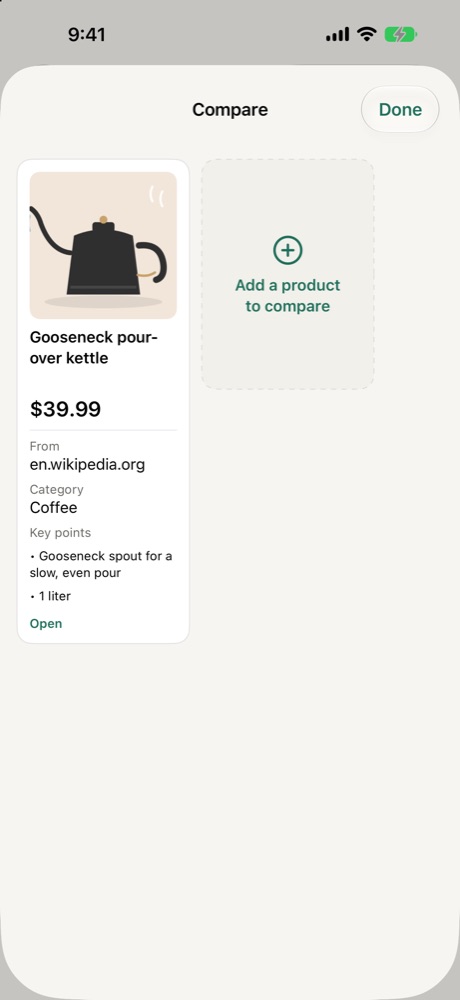
Open a saved product and tap Compare with… to put two or three products side by side. The cheapest is marked Lowest.
With a Price watch Action (needs your home server), THNGS checks the price every day, tells you when it drops, and draws a chart on the product: first price, lowest and now.