Help centre › Finding and sorting
Why labels
Sort by why you saved something, not just what it is.
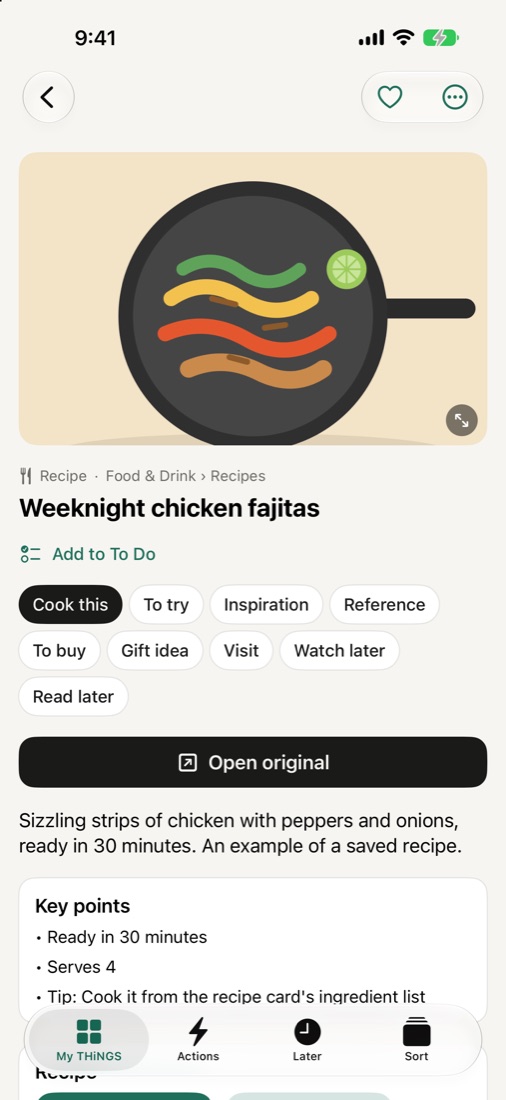
Every THNG can have a why: Cook this, To buy, Visit, Watch later, Read later, Gift idea, To try, Inspiration, Reference. It's how THNGS brings the right things back: your recipes when you're cooking, your shopping list when you're shopping.
Pick a why on the share card, on any THNG's page, or in the Sort tab. Make your own, rename, reorder or hide them in Settings › Why labels.
On the board view (the third button above My THiNGS) each why is a column. Press and hold a card to move it to another column; tap Arrange to reorder the columns.